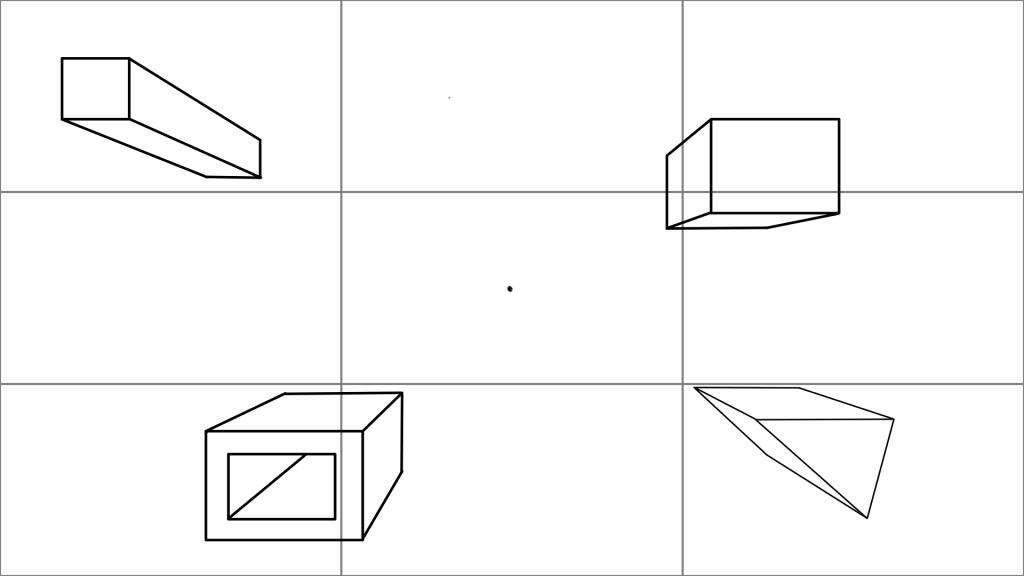
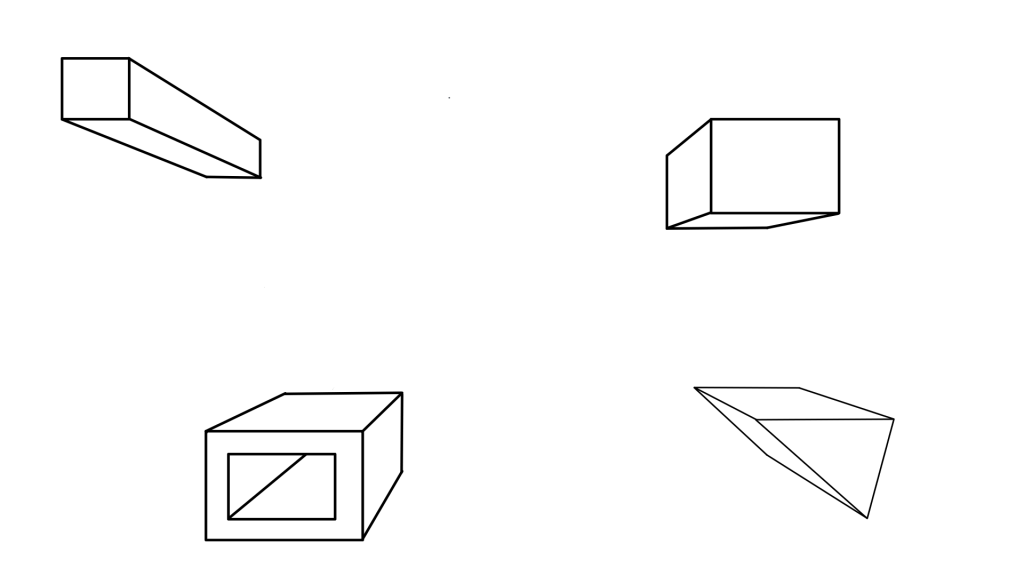
One point perspective is a way to draw a 3d environment more easily, by focusing on one vanishing point. The grid shows the rule of thirds, which is useful for placing objects that will draw the viewer’s eye and focus.
This shows the vanishing point in the center, as well as some guidelines on the screen.
In games, shape and colour can be used to convey meanings and ideas to the player quite quickly and easily.
Shapes
The three main types of shape used are:
Circles, which convey a more friendly, harmless feeling due to their rounded edges
Squares, which appear more sturdy and inflexible
And triangles, where the pointy edges seem more dangerous and sharp.
These can be incorporated into character designs to potentially give the player an idea of what the character might be like before even interacting with it – for example, an enemy could have a more triangular, pointed design to convey danger.
Colours
Different colours can have various different connotations. Some examples include:
Red – fire, anger, aggression
Blue – water, sadness, calm
Green – nature, envy, success
Colours often have multiple different possible meanings, usually a mixture of positive or negative, such as green being associated with both success and , as well as jealousy or sickness.
Top-Down Shooter Assets
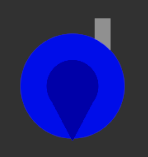
For my top-down shooter, the shapes were very basic, with both the player and most of the enemies having the same shape due to both being wizards. They are differentiated by their colour – the enemy colours represent the type of magic they use (orange for fire, yellow for lightning, and green for nature), while the player is blue, which is the general colour used for wizards in cartoons and stock images.
Pixel art is used to create sprites with smaller resolutions (e.g. 64×64, 128×128), which used to be used to use less memory on larger sprites, but nowadays is more of a stylistic choice. I made most of the sprites for my platformer 64×64 to have enough detail while still remaining pixelated enough.
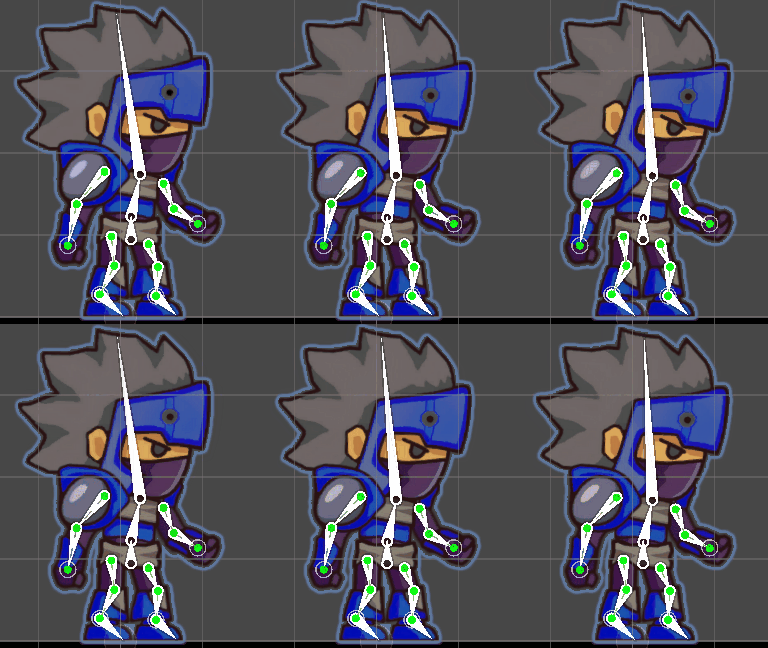
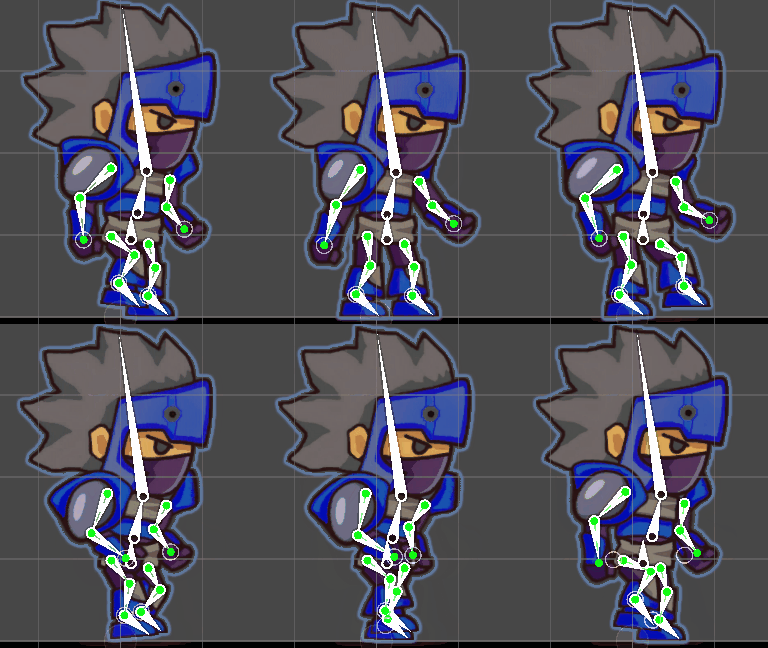
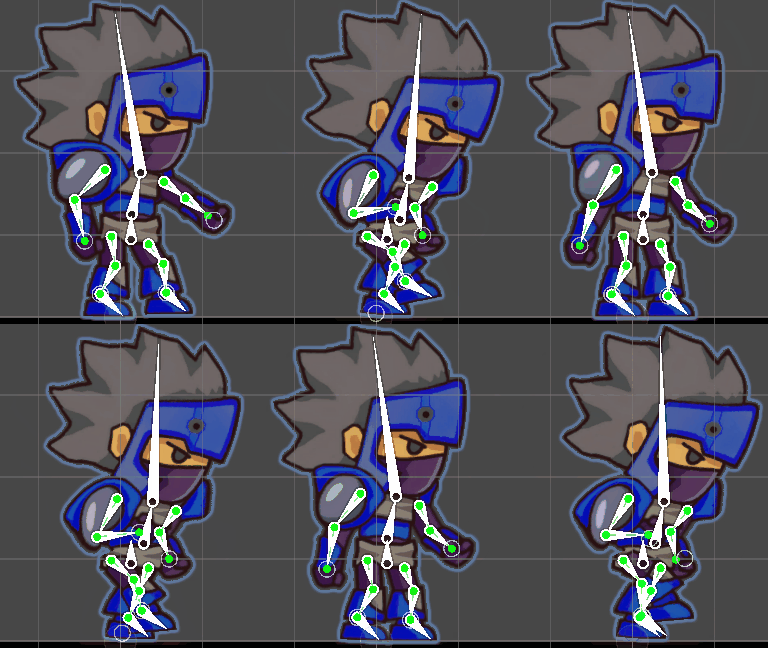
Bonerigging is a simple way to animate a character. By creating a “skeleton” for a sprite, the bones can then be moved around to make the separate limbs of the character move. This can create animations for the character easily without needing to animate it frame by frame.
These are three animations – idle, walking, and running, respectively – created using bonerigging.
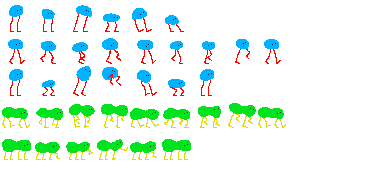
Sprite sheets are a useful way to create animations. They are a single image which contains multiple sprites, such as each frame of an animation, or different environment sprites. This used to be used in order to save memory for older games, which is no longer much of a concern – however, it is still a helpful practice, as having all of the sprites in one place can help make sure they all stay consistent and makes them easy to reference while adding more.
This is a sprite sheet I made containing some simple sprites for a character’s idle, walking, and jumping animations, as well as another character’s walking and attack animations.
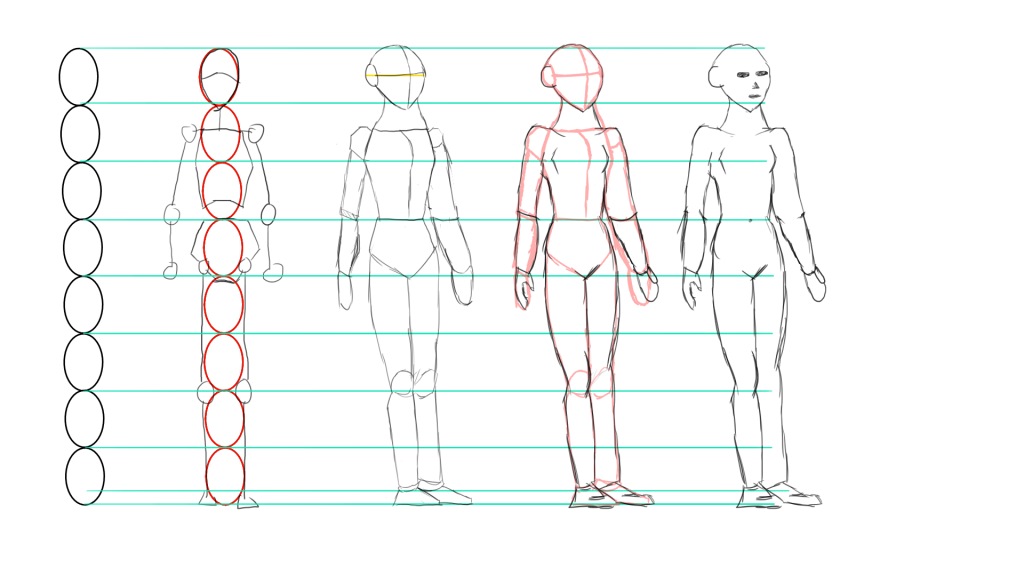
Anatomy is important to focus on when drawing humanoid characters to ensure the proportions are correct. There are two main ways of drawing humanoid characters: structure drawing, which focuses on the anatomy of the character and clearly showing their features and details; and gesture drawing, which focuses on showing the character’s emotion.
This is an example of a structure drawing. The proportions are mostly correct, but the character is quite slanted, especially the legs. This uses the 8 head method – based on the fact that the average human is about 7-8 heads tall – which is helpful for getting the proportion of the body accurate.
For my clicker game prototype, the UI design was quite simple. The only main feature that I needed to design was the 8 buttons for the game. First, I created a very basic button shape that would be the template for all of them. The idea was to create a small piece of pixel art for each button, which would sit at the left side of the button, and leave plenty of space for text on the rest of the button to share the relevant information.
The basic button shape template.
Then, I created the pixel art that would go onto the buttons. There were 4 different buttons, each having their own pixel art, and then each had another version with a small green arrow to indicate that it was an upgrade for the respective button.
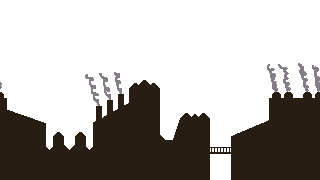
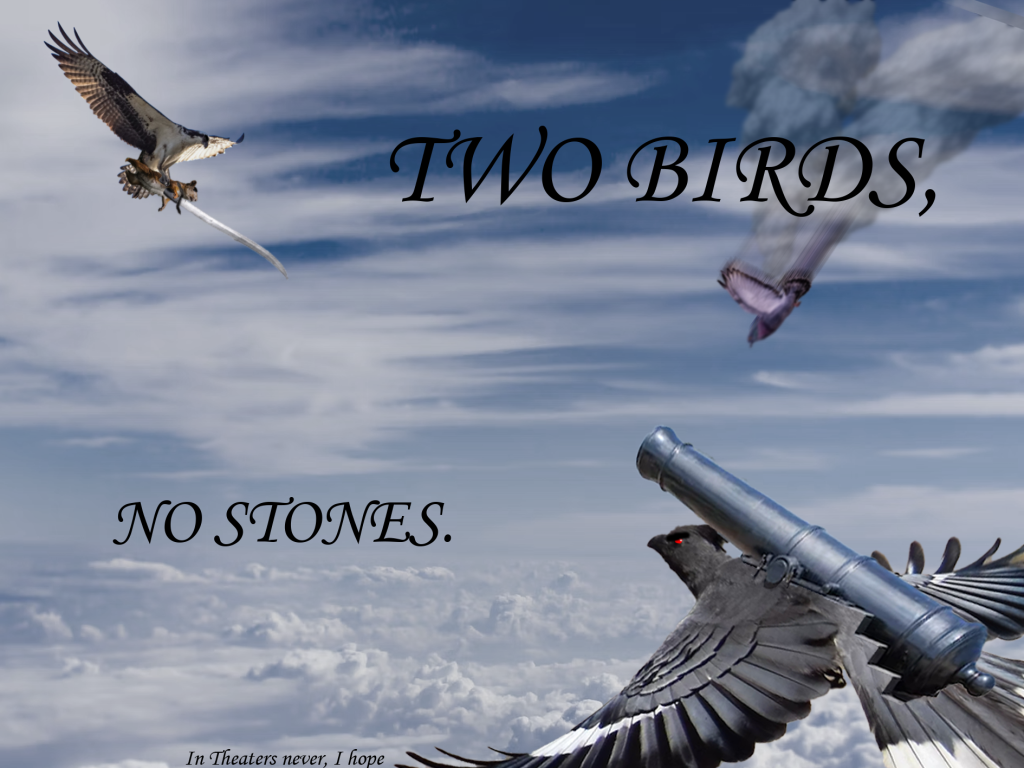
Photobashing is the process of taking various separate images and combining then into one, using photo manipulation – the process of using filters and other editing techniques – to ensure they blend and fit together. This can be used to quickly create a visual representation of an idea, with much less effort than fully drawing it out, to get a feel for how it would look.
An image I made using photobashing.
I got the images I used to make this image from the website Unsplash, which is a source of royalty-free images.